
Lubb Team vs Microsoft Teams + Office 365
Most South African businesses that move off a local mail server end up choosing between two things: Microsoft 365 with Teams, or something lighter. Lubb Team is the lighter option we connect our own calling to. Both are a full office suite with mail, a shared diary, files, chat and video, and Telecloud puts phone calls into either one. The real difference between them is how you pay, and that difference grows with every person you hire.
The short answer
| Lubb Team + Telecloud | Microsoft 365 + Teams Phone | |
|---|---|---|
| How it is priced | One flat monthly price for the whole organisation, however many users | A licence per user, per month |
| Entry price | R400 a month for the organisation (50 GB shared) | Business Standard: US$14 per user a month (roughly R220–R290 from SA resellers) |
| Phone calling in the suite | Lubb Team Integration: free | Teams Phone Standard, US$10 per user a month, plus Operator Connect from R30 per user |
| Mail on your own domain | Yes | Yes |
| Shared diary and contacts | Yes, on any phone over ActiveSync or CalDAV | Yes, through Outlook |
| Word, Excel and PowerPoint files | Opened, edited and saved in the browser (.docx, .xlsx, .pptx) | In the browser, plus the desktop apps on Business Standard and up |
| Mobile apps | Lubb Mobile for mail, diary, tasks and files, and the Telecloud Mobile App Extension for calls. Both are free | Outlook and Teams apps, included with the licences |
| Chat and video meetings | Yes, in the browser, with no per-host licence | Yes, in Teams |
| Storage | Shared by the organisation: 50 GB to 500 GB, depending on plan | Per user: a 50 GB mailbox and 1 TB of OneDrive each |
| Setup and migration | Included: domain, DNS, mailbox migration and handover training | Usually done by an IT partner and billed separately |
What a ten-person office actually pays
Take a ten-person office where everyone needs mail, documents and a phone in the app they work in all day.
- Microsoft 365 route: ten Business Standard licences and ten Teams Phone Standard add-ons come to US$240 a month, which is about R4,300 at R18 to the dollar. On top of that comes Operator Connect, which is what puts your phone numbers into Teams: R300 to R650 a month from Telecloud for ten users. Hire an eleventh person and every line goes up again.
- Lubb Team route: R400 a month for the 50 GB plan, for all ten of them. The Lubb Team Integration that rings your Telecloud extension in the webmail tab costs nothing. Hiring the eleventh person costs nothing either. You move up a plan only when the organisation needs more storage.
Your extensions and call charges are the same on either route, because both run on the same Telecloud network. That is why the comparison above leaves them out.
How the phone works in each
In Microsoft Teams
Calls arrive in the Teams app through Operator Connect, a direct, trusted connection between Telecloud and Microsoft. Microsoft charges separately for each user's right to make calls (Teams Phone Standard, included only in E5), and you buy those licences from Microsoft or your Microsoft partner. Telecloud supplies the numbers and the calls.
In Lubb Team
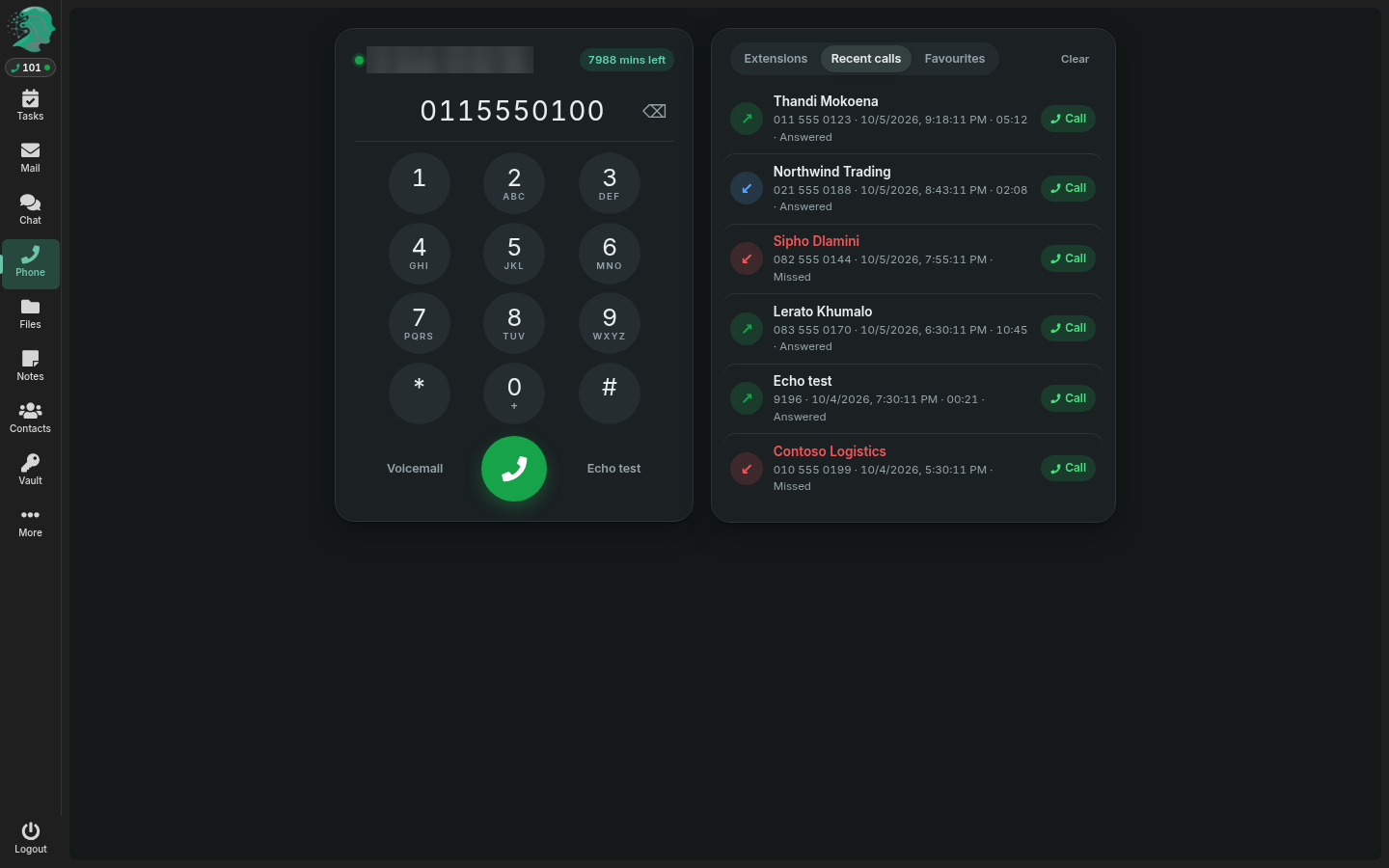
The Lubb Team phone is built into the webmail. Your Telecloud extension rings in the same browser tab as your mail, so you answer with a headset, with no desk handset and nothing to install. You get the keypad, mute, tones for phone menus, and a recent-calls list beside your inbox. Each person enters their extension once under Settings → Phone. There is no extra licence to buy from anyone.
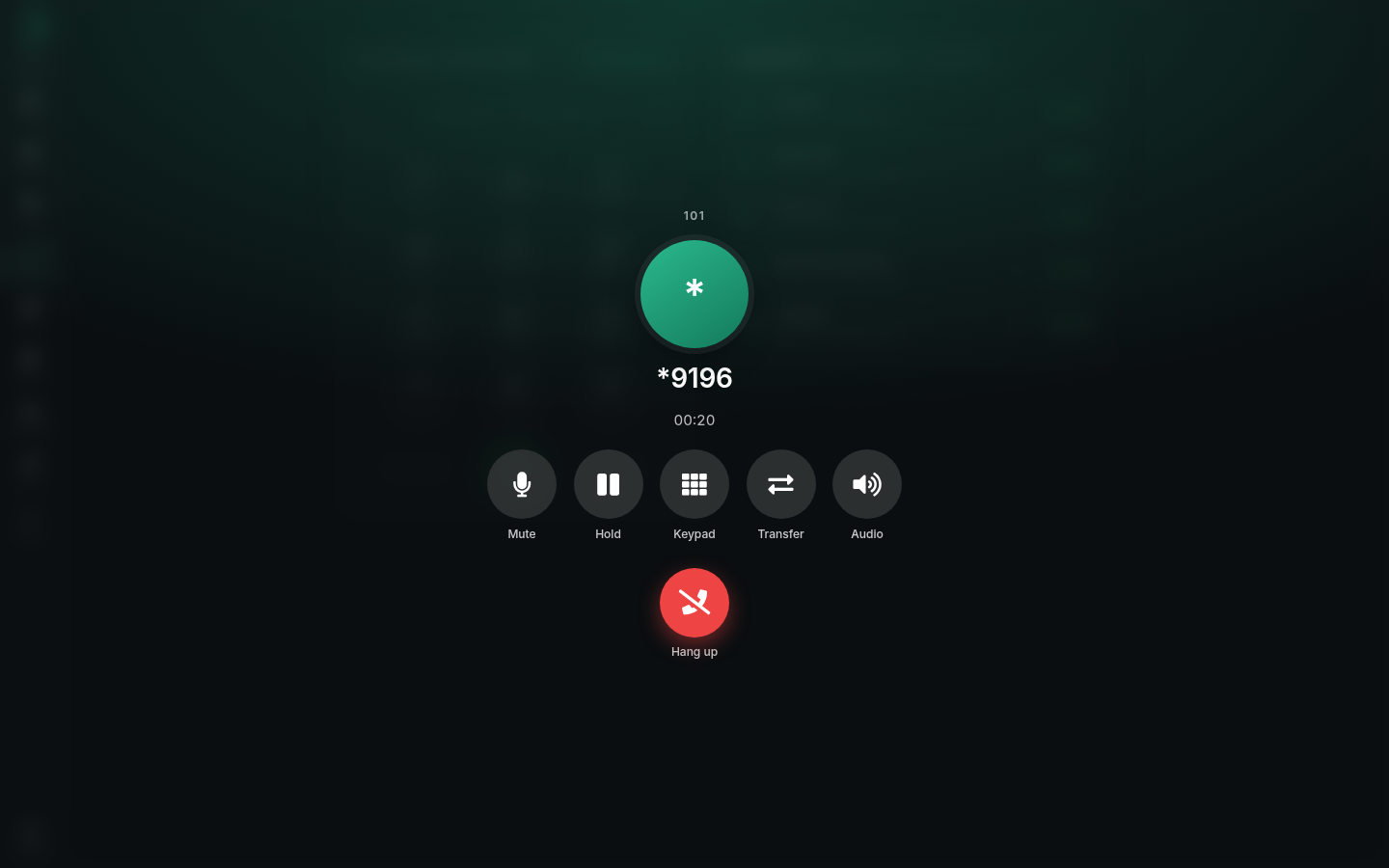
On a call: mute, hold, keypad, transfer and audio.
On your phone: the mobile apps
Most people do half their work away from the desk, so the phone in your pocket matters as much as the one in the browser. Each route has its own apps.
Lubb Mobile, for the office
Lubb Mobile is free on the App Store and Google Play. Sign in once and Lubb Team opens on your phone the way it does on the desk: the inbox, the diary, the task board and your files. The screens are built for a phone, not shrunk to fit one, and Face ID gets you back in. Recently opened documents are kept for offline reading. On an iPhone, Lubb Team also shows up as a location in the Files app. If you would rather use the phone's own mail and calendar apps, they connect to Lubb Team over ActiveSync with just your address and password.
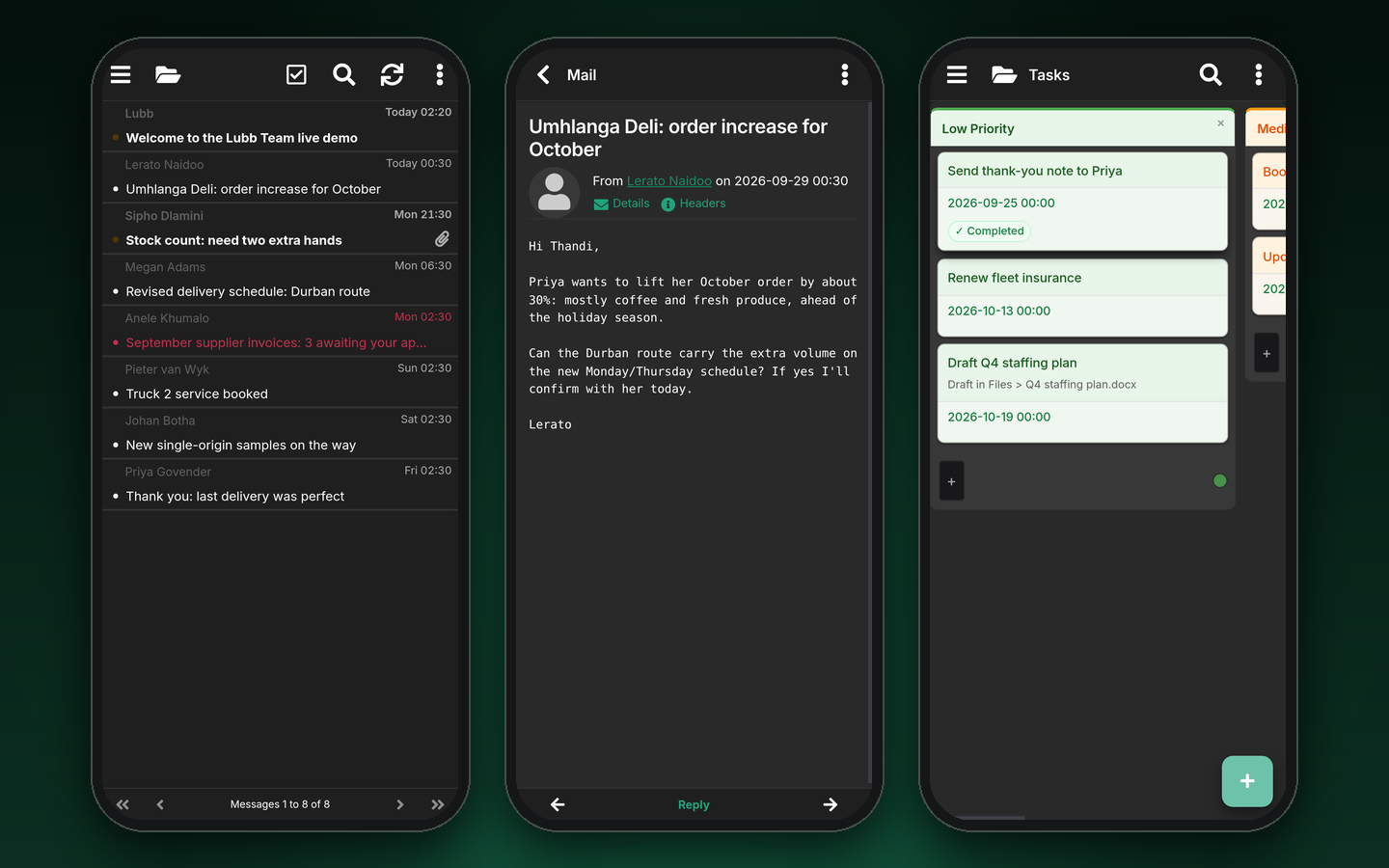
Lubb Mobile: the inbox, a message and the task board, on the demo mailbox.
The Telecloud Mobile App Extension, for calls
For calls away from the desk, the Telecloud Mobile App Extension puts your office extension on your mobile. It makes and takes work calls over WiFi or mobile data, on the same business number your customers already know. It is a free download for Telecloud customers on iPhone and Android. On iPhone it can be set as the default calling app, so work calls answer like any other call.
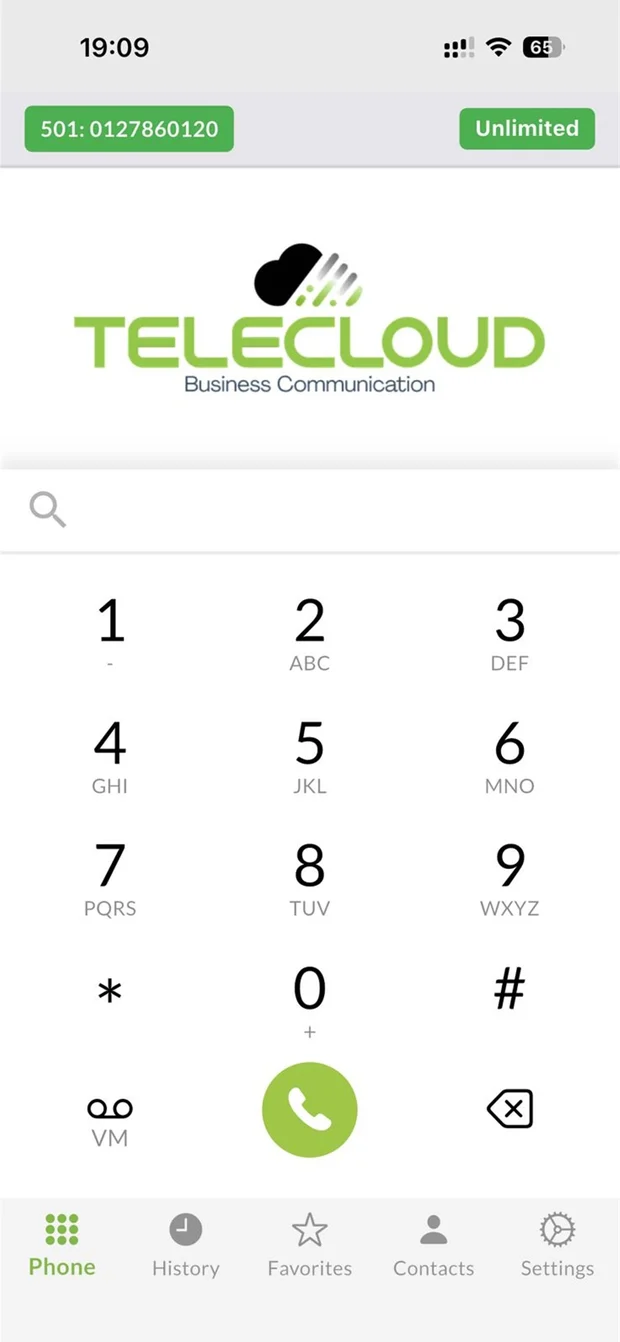
The Telecloud Mobile App Extension dialer.
On the Microsoft side
Microsoft 365 users get the Outlook and Teams apps on their phones, included with their licences. With Teams Phone and Operator Connect, work calls ring in the Teams app on the phone too. The apps are polished, but every person who uses them needs both licences.
When Microsoft 365 is the better choice
Lubb Team isn't the right answer for every business:
- Your people live in desktop Excel. Heavy spreadsheet models, macros and Power Query need the desktop apps, and those come with Business Standard and above.
- You need a lot of storage per person. Microsoft's 1 TB per user is hard to beat for a team that keeps large files.
- You are already deep in the Microsoft ecosystem, with SharePoint sites, Power Automate flows, Intune-managed laptops or compliance tools your auditors expect.
- You run large meetings and webinars as a regular part of the business.
If that is you, stay on Microsoft. We will connect your Teams to our network and do the calling for you. The Microsoft Teams page explains which Microsoft licences you need.
When Lubb Team is the better choice
- Your headcount moves. Seasonal staff, interns and new branches cost nothing extra on a flat price.
- Most of your documents are ordinary letters, quotes and spreadsheets that open, edit and save fine in the browser.
- You want one supplier for the office and the phones, with setup, migration and training included rather than quoted.
- You want calling in the office suite without a per-user phone licence.
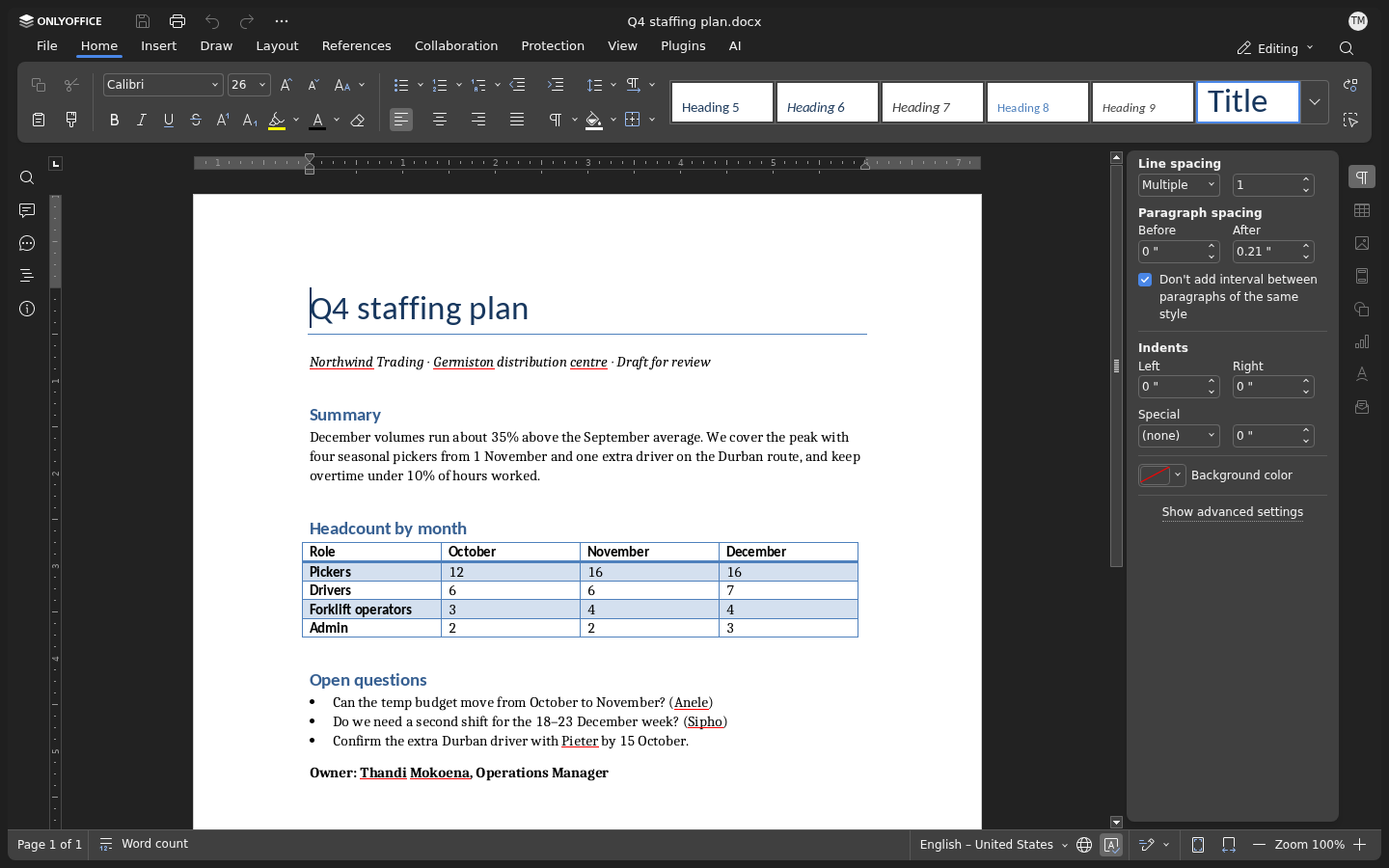
A .docx opened and edited in the browser in Lubb Team. No desktop Word needed.
Moving either way
Nothing here is one-way. Mail moves between the two over IMAP, documents are standard Office formats in both, and your phone numbers stay on Telecloud whichever suite rings them. So you can start on Lubb Team and move to Microsoft later if the business needs it, and the reverse works too.
See the Lubb Team phone, or tell us how many people you have and we will put the two routes side by side for your business.