
Lubb Team
Your office phone, in Lubb Team
Your Telecloud extension rings in the browser tab you already work in — beside your mail, your diary and your files. Free with any Lubb Team plan.Rings Where You Work
Your extension rings in the Lubb Team tab you already have open for mail.Nothing To Install
A headset and the browser. No desk handset, no softphone app, no licence key.One Keypad
Outside numbers and colleagues’ extensions dial from the same keypad.Free With Lubb Team
The integration costs nothing on any Lubb Team plan.The Lubb Team phone
A real phone, in a browser tab
Dial, answer, mute, transfer tones to a menu and see what you missed — with a headset and the browser, at the desk you are already working at.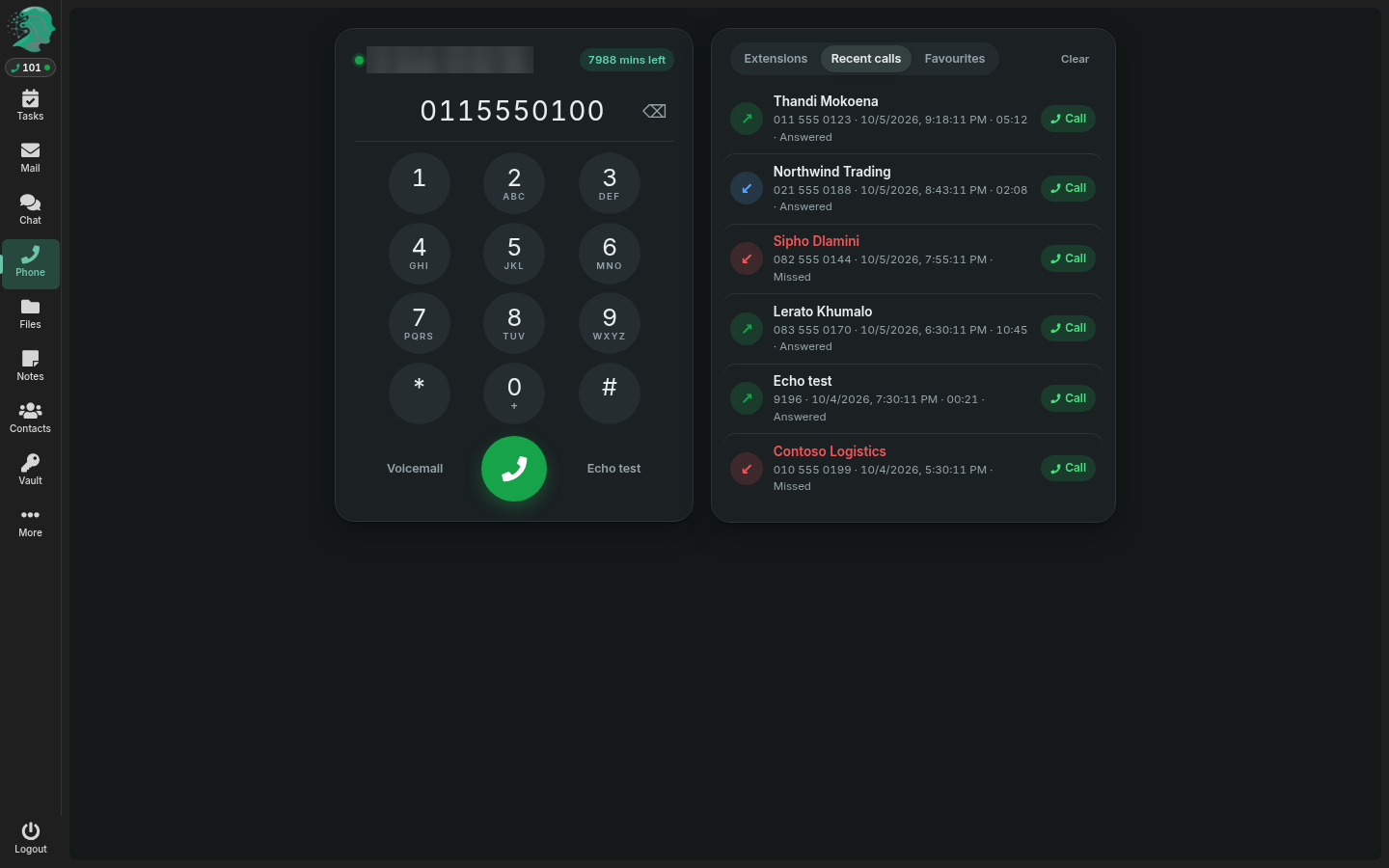
The phone, beside your mailRegistered and ready: a round-key keypad, one green Call button and every recent call.
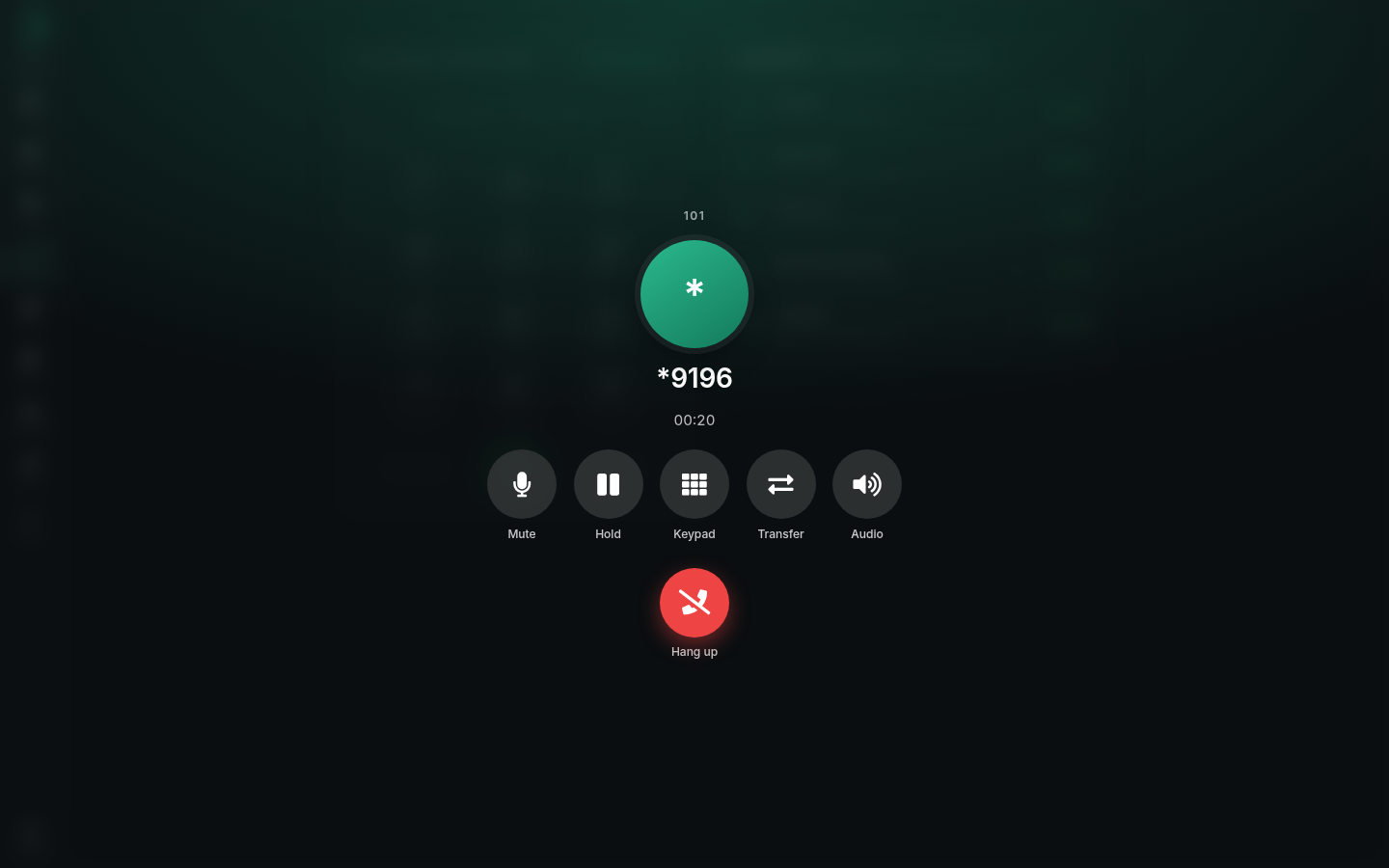
On a callMute, hold, keypad, transfer and audio, with the timer running.
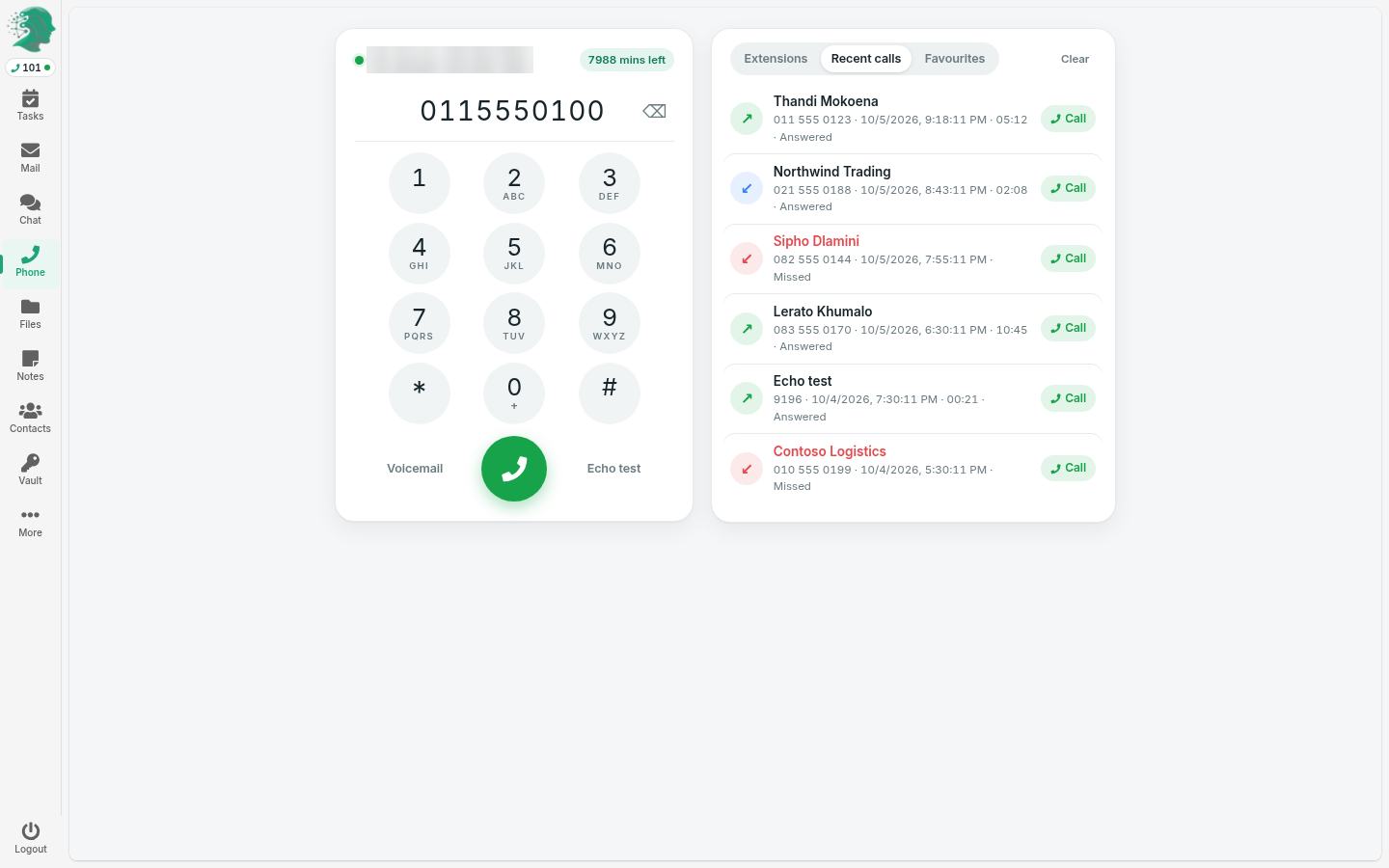
Light or darkIt follows the webmail’s own theme.
How it connects
Three steps, and the last one takes each person about a minute.Step 1
Have a Lubb Team planAny Lubb Team plan — one flat monthly price for your whole organisation, however many people use it.Step 2
We give each person an extensionEvery user gets a Telecloud extension on our cloud PBX, with your numbers ported in or new ones issued.Step 3
They switch it on onceEach person enters their extension under Settings → Phone in Lubb Team. From then on, calls ring in the tab.Lubb Team or Microsoft 365?
We connect calling to both. The difference is mostly in how you pay.| Lubb Team + Telecloud | Microsoft 365 + Teams Phone | |
|---|---|---|
| What you pay for | One flat price for the whole organisation | A licence per user, per month |
| Phone calling | Free integration with Telecloud | Teams Phone Standard per user, plus Operator Connect |
| Mail, calendar, files, chat, video | Included | Included (Business Basic and up) |
| Edit Word, Excel and PowerPoint files | In the browser | Browser, or desktop apps on Business Standard and up |
| Setup and migration | Included, by us | Your IT partner, usually billed separately |
| Lubb Team | Lubb Team Integration |
|---|---|
| Per user. Free with any Lubb Team subscription. | |
Free | |
| Your Telecloud extension rings in Lubb Team | |
| Calls in the browser — no handset, no app | |
| Outside numbers and internal extensions on one keypad | |
| Recent calls and voicemail beside your mail | |
| Set up once under Settings → Phone | |
| Free with any Lubb Team subscription | |